Il s’agit d’une version modifiée de l’émulateur PC-8801MA nommé XM8 et créé par Pi (lui même basé sur ePC-8801MA de Takeda) mais compatible multiplateforme (Windows/Mac/Linux/Android) et qui propose également une compatibilité ascendante avec le PC-8801mkIISR. Cette version est développée par Bubio.


Voici le résumé des changements depuis la version originale 1.7.0:
 

Version 1.7.6
– No functional changes
– Changed macOS build format to **Universal Binary**
– Fixed issue where macOS build required **macOS 13 or later**
 
Version 1.7.5
– Updated **SDL** to version 2.32.8
– Updated Android build environment to **SDK 35**
– Fixed corrupted **macOS Apple Silicon DMG file**
– See [GitHub Issue #38](https://github.com/bubio/xm8mac/issues/38)


Télécharger xm8mac v1.7.6 (2.6 Mo)

Site Officiel

En savoir plus…

Une version améliorée de Neko Project II et Neko Project 21 (PC98XX) mais dont les principales informations sont en japonais (l’interface est disponible en anglais). Plus d’informations.


(Ancien thread ici et | Nouveau thread)
 

Télécharger Neko Project II / Project 21 fmgen v0.83k8 (2025/11/28) (764 Ko)

Site Officiel

En savoir plus…

Les dernières versions de GameEX/Arcade, Multiplateforme et PinballX (32/64 bits) sont disponibles ci-dessous.
 
Notez que la version de GameEX inclue également la version ARCADE Edition qui était précédemment séparée.


Sachez que même si je ne les news pas souvent, les archives sont quand même très rapidement mises à jour sur notre site.
 

Télécharger PinballX v6.99 (327 Mo)

Télécharger GameEx v19.60 (471 Mo)

Télécharger GameEx Arcade Edition v18.87 (339 Mo)

Télécharger GameEx Multiplatform v19.58 (246 Mo)

Site Officiel

En savoir plus…

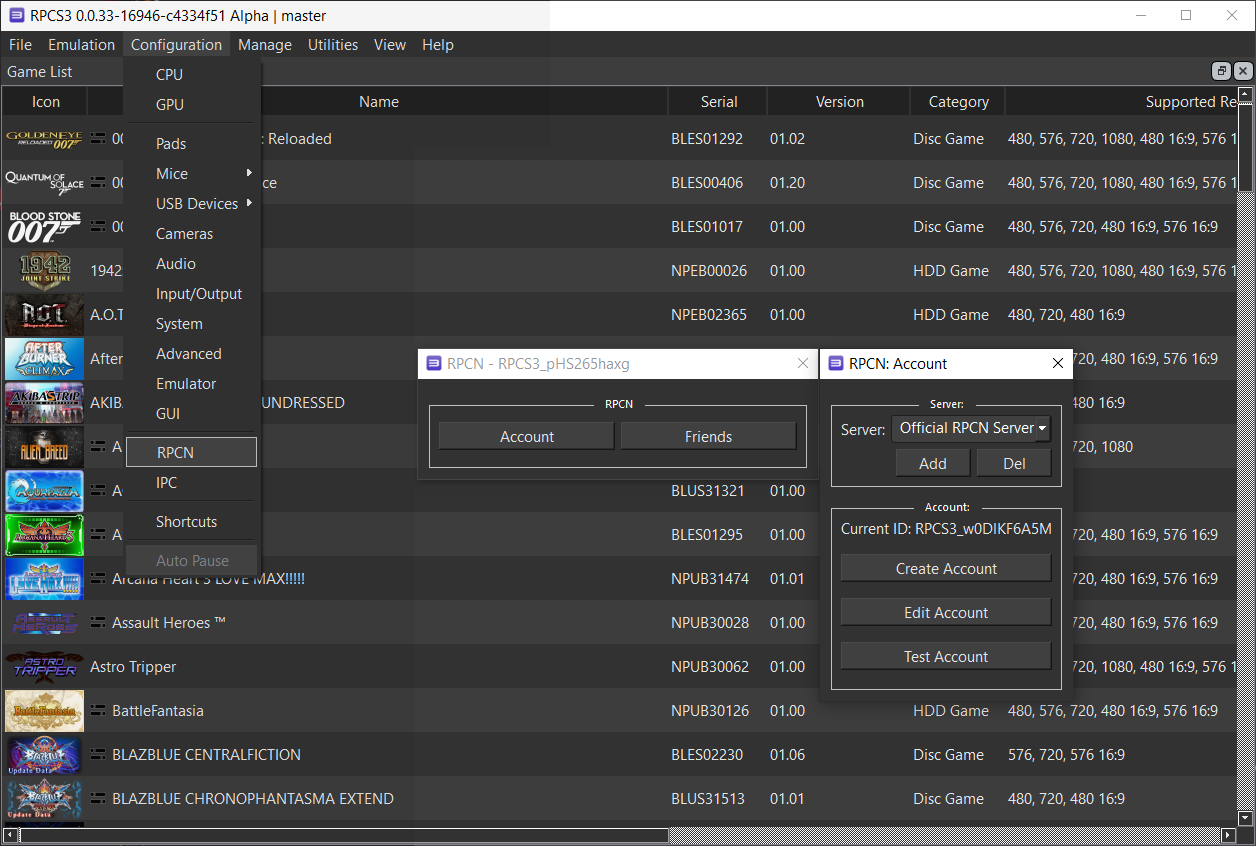
Il s’agit d’un réseau de recherche et de communication en ligne (RPCN), c’est à dire un serveur de matchmaking destiné à être utilisé avec RPCS3.
 

Le Netplay dans RPCS3 est donc introduit par GalCiv, qui a développé RPCN, un serveur open-source qui émule le match-making P2P réalisé sur la PlayStation 3. RPCN peut également être utilisé pour communiquer avec des serveurs privés pour les jeux qui nécessitent un serveur dédié pour les fonctions multijoueurs. À cet égard, les jeux qui nécessitent un serveur personnalisé ne fonctionneront pas, à moins qu’un serveur privé créé par des fans ne soit mis en place. Cela sort du cadre de l’émulateur et devra être développé par la communauté.


Les changements dans cette version sont:
 
– FlexBy420: Added WorldIDs for more games(Star Trek, The Darkness 2, Duke Nukem 3D, Spelunker HD)
– Fixed passwordSlotMask not being optional in SetRoomDataInternal request which led to it being possibly reset
– Updated project to Rust 2024
– Updated dependencies

 
Liste de compatibilité ici.
Plus d’infos ici.


Télécharger RPCN (RPCS3) v1.5.0 (5.0 Mo)

Site Officiel

En savoir plus…

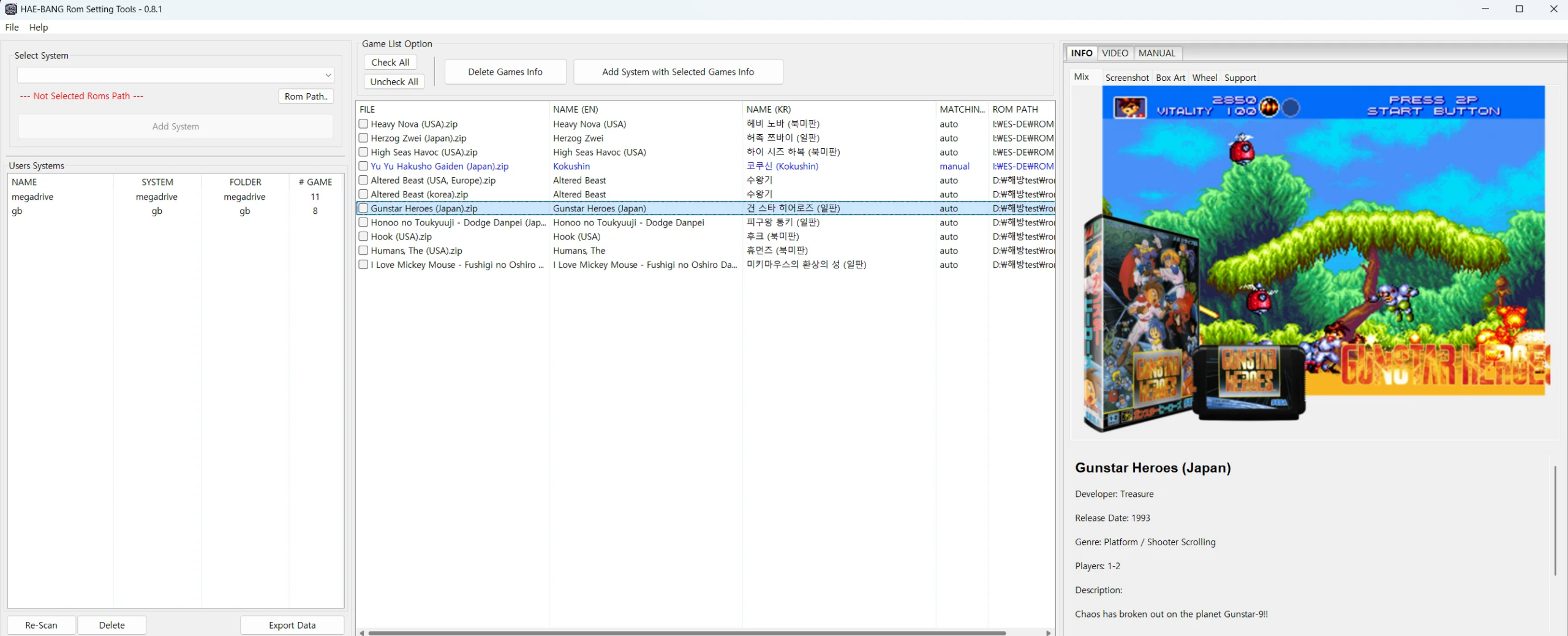
HAE‑BANG Rom Setting Tools est un utilitaire développé par la communauté coréenne pour gérer de très grandes collections de ROMs. Il permet d’organiser des milliers de fichiers en les classant par système, d’automatiser leur association avec les bons émulateurs ou cores, et de simplifier les réglages nécessaires pour lancer les jeux.


L’outil propose une interface graphique qui rend la navigation et la configuration plus accessibles qu’un gestionnaire en ligne de commande. Contrairement à un véritable ROM manager comme Clrmamepro, il ne reconstruit pas les sets ni ne valide les dumps selon des dats officiels. Son rôle est donc davantage celui d’une interface graphique de paramétrage et d’organisation, plutôt qu’un manager technique de conformité.


Télécharger HAE-BANG Rom Setting Tools v0.8.1 (225 Mo)

Site Officiel

En savoir plus…

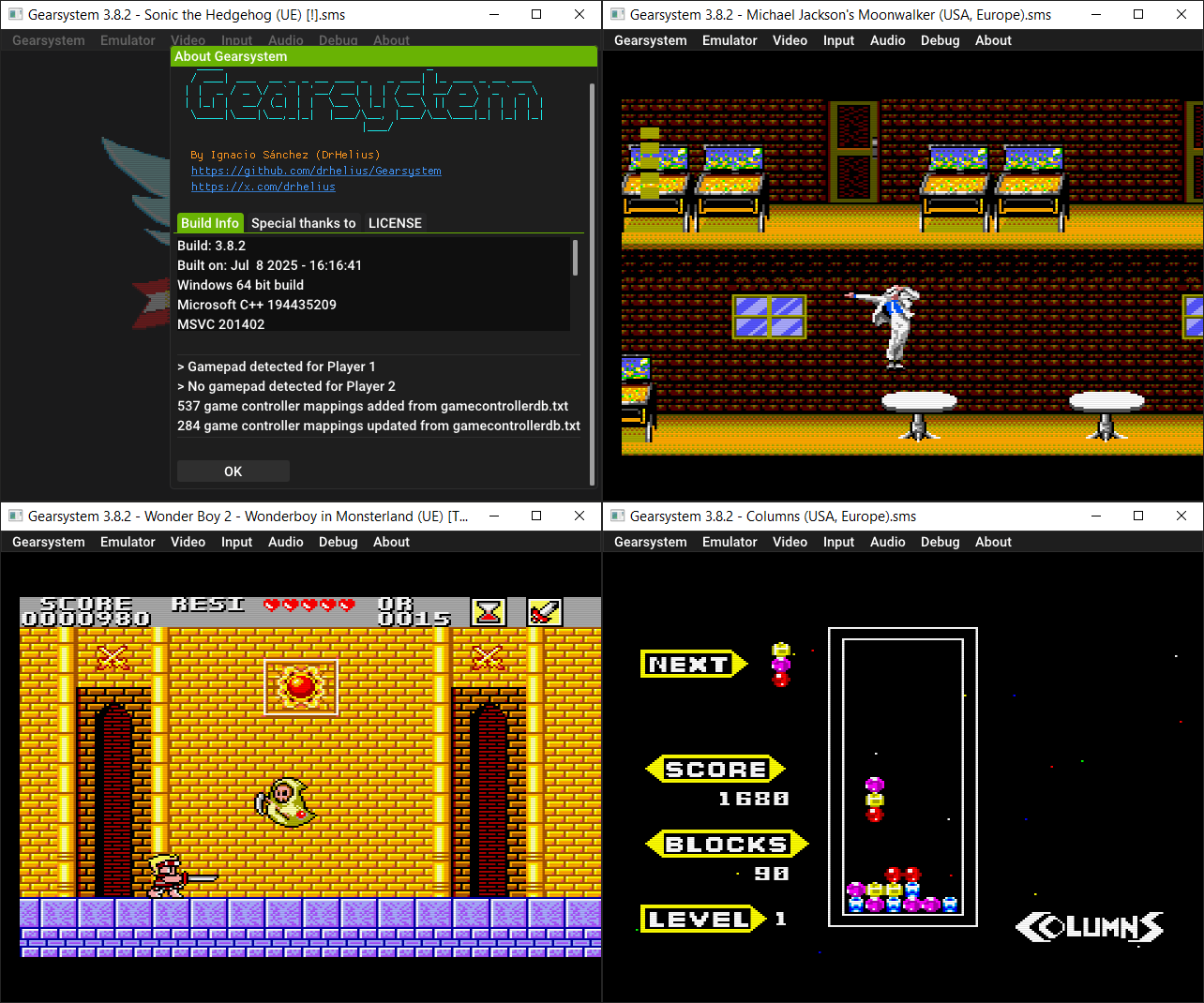
Il s’agit d’un émulateur de Sega 8 bits écrit en C++ par Ignacio Sanchez.
 
Il émule les machines suivantes:
– Sega Mark III
– Sega Master System
– Sega Game Gear
– Sega Game 1000 (SG-1000)
– Othello Multivision


Voici donc les changements:
 

🎵 VGM Recorder
⚙️ Add support for Game Gear 93C46 Mapper
⌨️ Custom shortcuts. Add shortcuts to gamepad buttons
🌎 Support for UTF-8 characters in paths
🎮 Updated game controller database
🐛 Bug fixes

 
Le binaire 32 bits est compilé par Lo v2.


Télécharger GearSystem (32 bits) v3.1.0 (13.5 Mo)

Télécharger GearSystem (64 bits) v3.8.6 (1.7 Mo)

Site Officiel

En savoir plus…

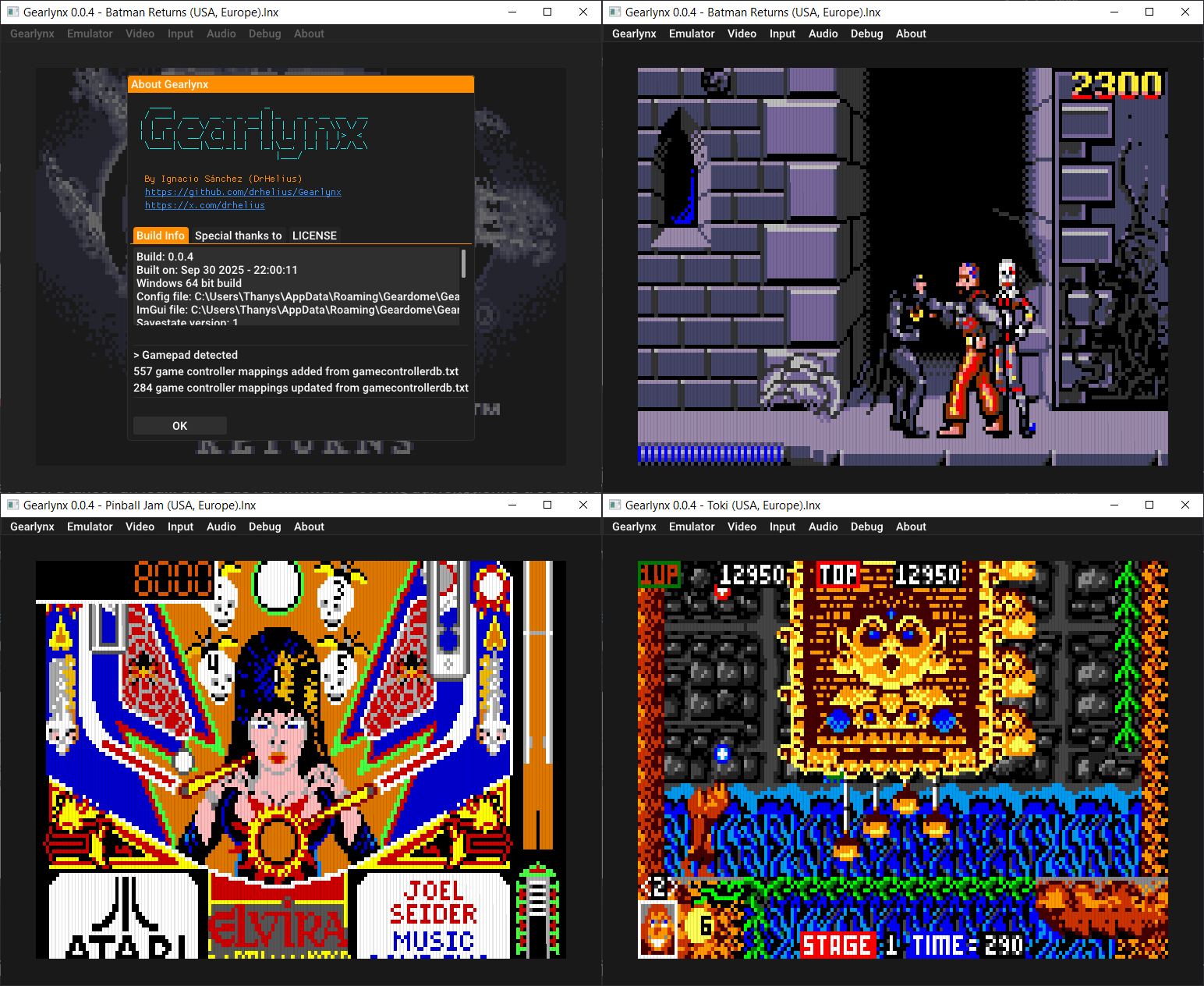
GearLynx est un émulateur d’Atari Lynx pour Windows.


Les changements sont:
There may be bugs and unfinished features.
 

Télécharger GearLynx v0.0.11 (1.8 Mo)

Site Officiel

En savoir plus…

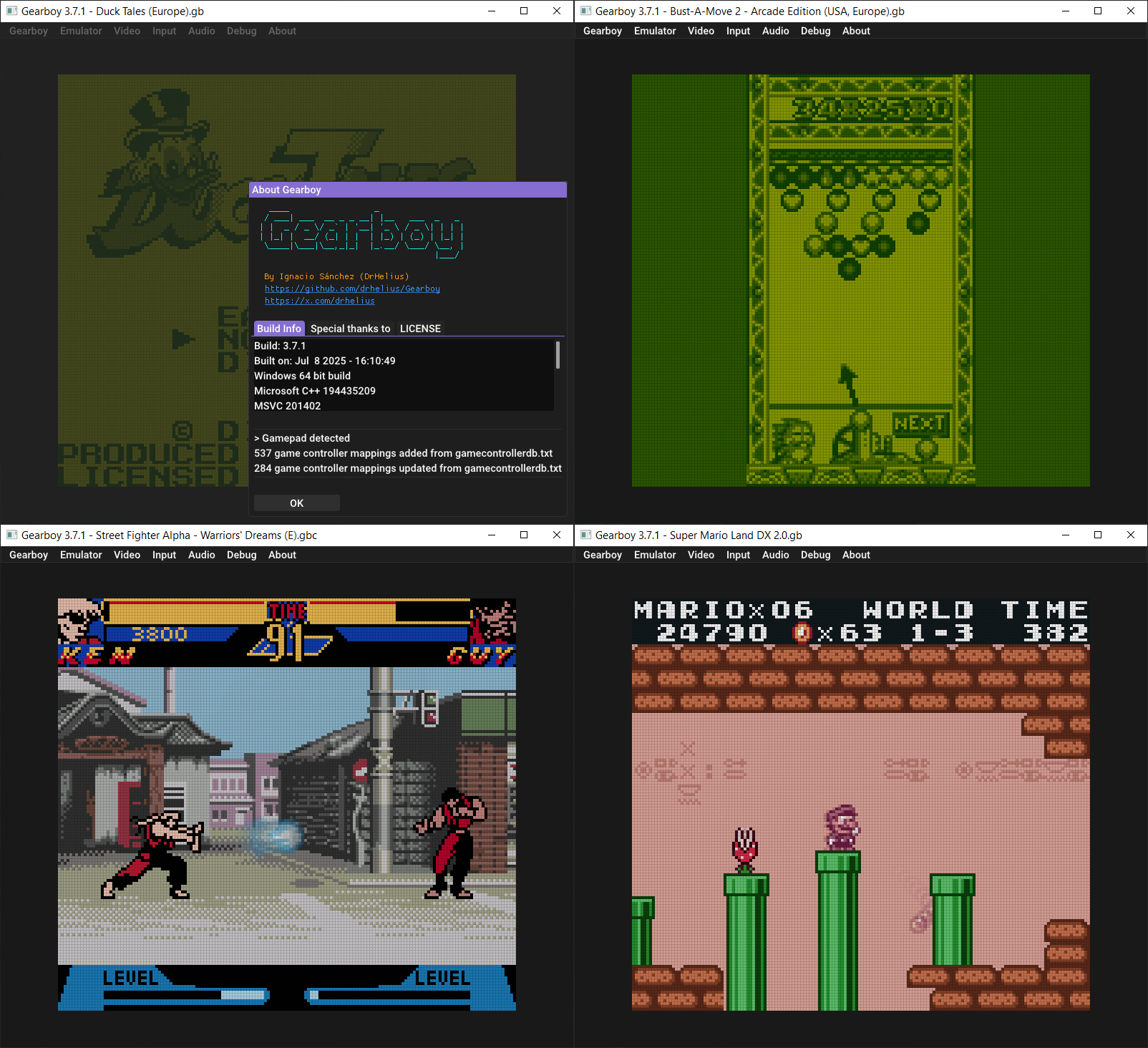
Gearboy est un émulateur de Nintendo GameBoy / Gameboy Color écrit en C++ qui fonctionne sur iOS, Raspberry Pi, Mac, Windows & Linux.
 
L’accent a été mis sur la lisibilité du code source avec un haut degré de compatibilité.


🎵 VGM Recorder
⌨️ Custom shortcuts. Add shortcuts to gamepad buttons
🎨 Improve GBC color correction
🌎 Support for UTF-8 characters in paths
🎮 Updated game controller database
🐛 Bug fixes

 
Le builds 32 bits est compilé par Lo v2.
 

Télécharger GearBoy (32 bits) v3.1.1 (13.5 Mo)

Télécharger GearBoy (64 bits) v3.7.5 (1.8 Mo)

Site Officiel

En savoir plus…

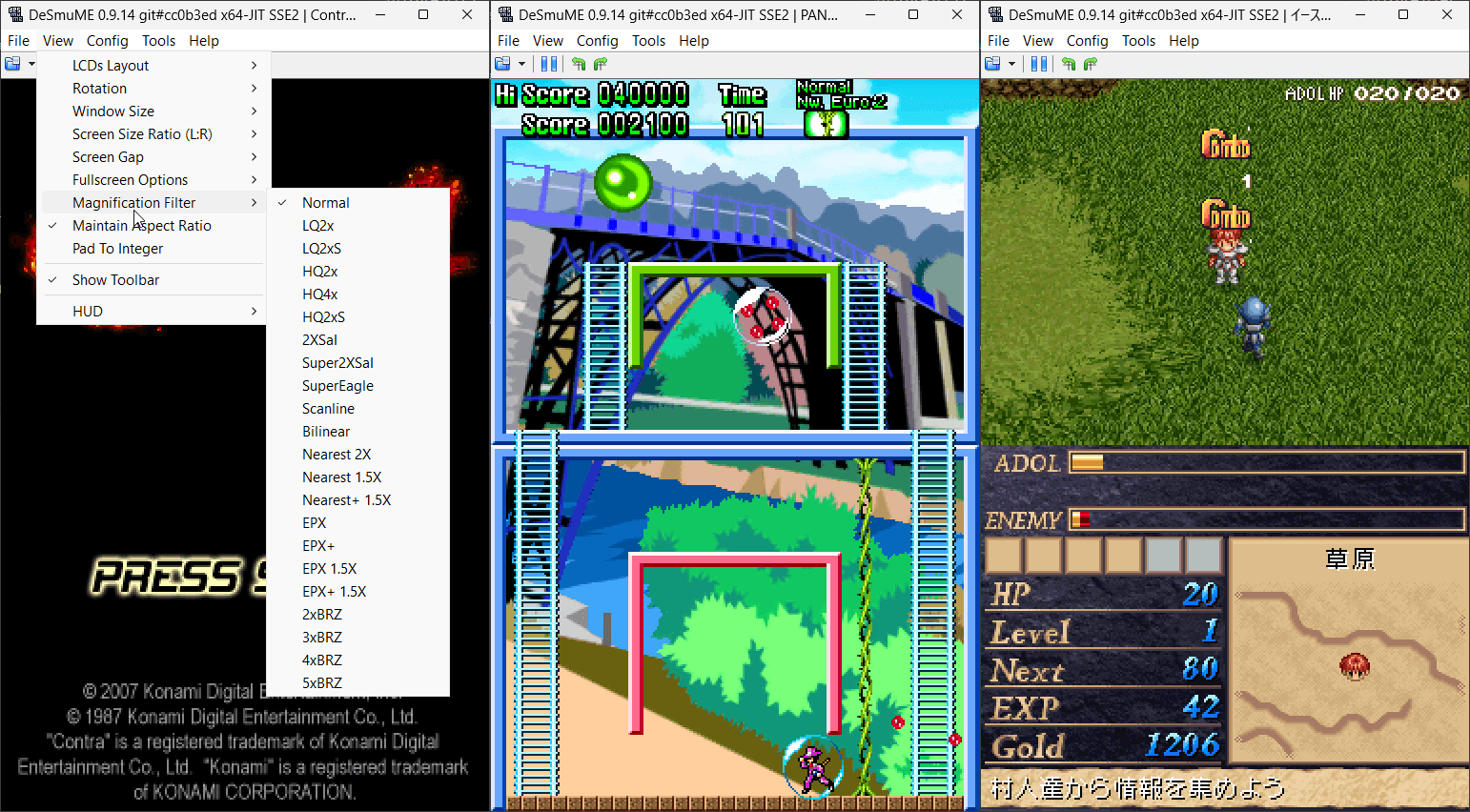
Il s’agit de l’émulateur de Nintendo DS mais dans une version en cours de développement.


(Builds automatiques ou )
 
Les principaux changements depuis ma news précédente sont:
– NDSSystem.cpp: In GameHacks::reset(), have the loop for deleting cheats objects match the loop in GameHacks::execute() for better code consistency.
– Windows Port/Interface: Make build files more robust and less prone to breakage for future Visual Studio versions. (Related to commit 39f27d3, 5e006a0, and PR #936.)
– Windows Interface: Make builds compatible with VS2012, VS2013, and VS2026. (Related to commit 39f27d3 and PR #936.)
– Windows Port: Make builds compatible with VS2012, VS2013, and VS2026. (Based on PR#936.)

 
Notez que les fichiers sont mis à jour régulièrement sur notre site mais ne sont newsés que de temps en temps.


Télécharger DeSmuME (Dev) v0.9.14.1663 (2.6 Mo)

Télécharger DeSmuME (Français) v0.9.14 (14/02/2024) (2.1 Mo)

Site Officiel

En savoir plus…

Il s’agit d’un émulateur d’ordinateurs de la série Fujitsu FM-7 (FM-7/FM77AV/FM77AV40). Le but est principalement d’émuler le FM77AV40 et de prendre en charge au minimum le FM77AV.
 
À l’heure actuelle, il ne peut exécuter que quelques jeux sans son. Par la suite de nouvelles fonctionnalités arriveront bientôt.


Mutsu_CUI ROM-PATH 

Options:

-PAUSE
  Pause on start.

-IMGPATH dir
  Image search path.

-T77|-TAPE t77file.t77
  Set T77 cassette data recorder dump.

-AUTOSTARTTAPE
  Auto start the first tape program.

-T77AUTOSAVE|-AUTOSAVETAPE t77file.t77
  In old days, we were saving programs/data in audio cassette tapes.  I had to press REC
  button before writing, and must release REC button before reading.  If I forgot pressing
  REC and thought I was saving data, it was not saved, and gone as soon as I turned off
  the PC.  If I forgot releasing the REC button before reading, I accidentally erased
  the tape instead of reading from it.  Not to repeat such tragedy, you can specify
  auto-save tape image.  The file does not have to exist.  The program will create it.
  If you don't virtually press REC button in the emulator, or if you write-protect the
  primary tape image, data will be saved to this auto-save image.  You can later mount it
  for reading.

-FD0 filename
  Floppy disk image file name for Drive A.

-FD1 filename
  Floppy disk image file name for Drive B.

-FD0WP,-FD1WP
  Write protect floppy disk.

-FD0UP,-FD1UP
  Write un-protect floppy disk.

-GENFD filename.d77 320|640
  Generate an empty disk. Need to specify 320KB disk (2D) or 640KB disk (2DD)
  Specify 400 as size to make 2D disk with 1024-byte per sector, 5 sectors per track.

-DIVD77 filename.d77
  Divides multi-disk D77 file into single-disk D77 files.
  Suffix  _1, _2, _3, ... will be added after each file name.
  Does nothing if the file is already a single-disk image.

-NOWAIT
  Run VM without adjusting time for the wall-clock time.

-ALIAS aliasLabel filename
  Define file-name alias.  Alias can later be used as a parameter to FDxLOAD, TAPELOAD commands.
  eg. You can use -ALIAS DISKA "full-path-to-game-diskA" to ease disk swap from command.

-KEYBOARD DIRECT/TRANS/TRANS2/TRANS3
  Keyboard mode.  DIRECT is good for gaming.  TRANS/TRANS2/TRANS3 is good for typing.

-AUTOSTOP autoStopType
  FM-7 seriew before FM77AV could not detect key-release.  Therefore, game programs
  could start moving a character by a key stroke, but did not know when the key was
  released and should stop.  Therefore, we had to press typically Num-5 top stop a
  character.  In the emulator, this problem can be solved by virtually typing a
  different key when num keys or arrow keys are released.  You can choose from
  AFTER_NUM_RELEASE, AFTER_ARROW_RELEASE, AFTER_NUM_RELEASE_AND_RETYPE,
  AFTER_ARROW_RELEASE_AND_RETYPE, and AFTER_ANY_KEY_RELEASE.

-AUTOSTOPKEY keyCode
  Specify which key should virtually be pressed after num keys or arrow keys are
  released.

-GAMEPORT0 KEY|PHYSx|ANAx|NONE
-GAMEPORT1 KEY|PHYSx|ANAx|NONE
  Specify game-port emulation.  By keyboard (Arrow,Z,X,A,S), or physical gamepad.
  PHYS0,PHYS1,PHYS2,PHYS3 use physical game pad direction button (or hat switch) as up/down/left/right.
  ANA0,ANA1,ANA2,ANA3 use physical game pad analog stick as up/down/left/right.
  KEYMOUSE use arrow keys and ZX keys for mouse cursor and buttons.
  NUMPADMOUSE use NUMPAD number keys and /* keys for mouse cursor and buttons.
  PHYS0MOUSE,PHYS1MOUSE,PHYS2MOUSE,PHYS3MOUSE use physical game pad digital axis for mouse.
  ANA0MOUSE,ANA1MOUSE,ANA2MOUSE,ANA3MOUSE use physical game pad analog axis for mouse.

-BUTTONHOLDTIME0 0|1 time_in_millisec
-BUTTONHOLDTIME1 0|1 time_in_millisec
  In some games, when you click on a menu or a button, you end up selecting the next menu
  or the button that happens to appear in the next options.  Daikoukai Jidai (KOEI)
  is virtually unplayable.  Super Daisenryaku keeps scrolling to the end when you want
  to scroll only by one screen width.  You really had to press the button and release
  immediately.  How patient we were!
  It is due to the bad programming.  When the program reads button state as DOWN, it must
  wait until the state changes to UP before making a next selection.  But, we cannot go
  in to all of the programs and write patches.  Instead, this option let you limit
  maximum time that the button is sent as DOWN to the virtual machine even when
  you keep it down for 100 seconds.

-VIRTKEY townsKey gamePadPhysicalId button
  Assign a virtual key to a gamepad button.

-COM0, -COM1, -COM2, -COM3
  Enable COM port.

-QUICKSSDIR dir
  Specify quick screen shot directory.

-HOSTSHORTCUT hostKey ctrl shift "command"
  Assign host short cut key (hot key).

-INITCMD cmd
  Specify initial command.

-EVTLOG filename.evt
  Specify event-log file to play back.

-SCALE X
  Screen scaling X percent.

-AUTOSCALE
  Auto scaleing screen to match the window size.

-MAXIMIZE
  Maximize the window on start up

-FULLSCREEN
  Fullscreen on start up


Télécharger Mutsu Build 20251206 (1.0 Mo)

Site Officiel

En savoir plus…

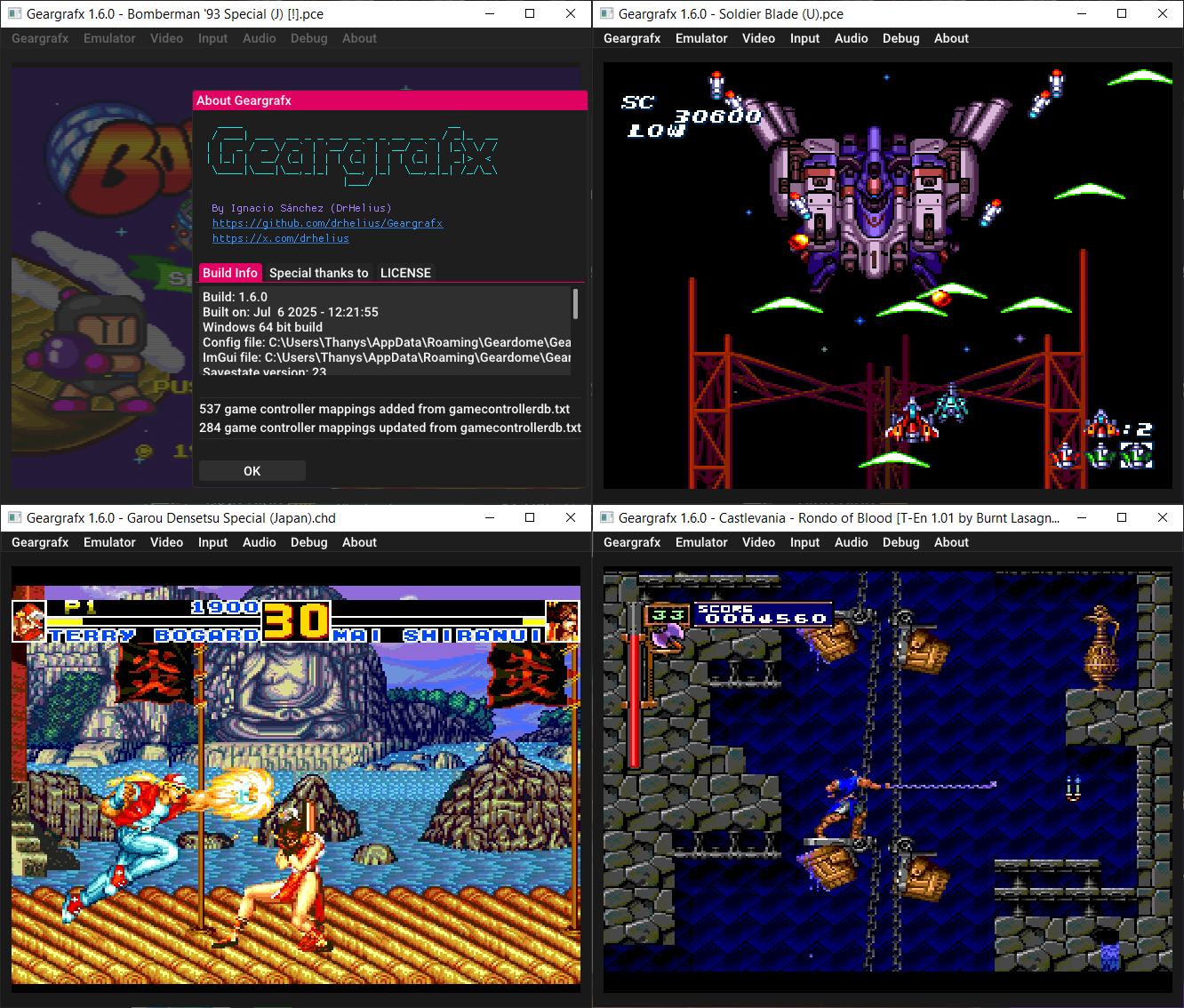
Il s’agit d’un émulateur de PC Engine / TurboGrafx-16 / CD-ROM² / Super CD-ROM² et Arcade CD-ROM² / SuperGrafx multi plateformes.


🎵 VGM Recorder
💿 Memory Base 128 support
⌨️ Custom shortcuts. Add shortcuts to gamepad buttons
💾 Save/Load BRAM to file. It can import save files from other emus
🎮 Updated game controller database
🌎 Support for UTF-8 characters in paths
🐛 Bug fixes and GUI improvements


Télécharger GearGRAFX v1.6.5 (2.1 Mo)

Site Officiel

En savoir plus…

Gearcoleco est un émulateur ColecoVision multiplateforme très précis écrit en C++ qui fonctionne sous Windows, macOS, Linux, BSD, Raspberry Pi et RetroArch.


Les changements:
🎵 VGM Recorder
💾 Add support for OCM Mapper
⌨️ Custom shortcuts. Add shortcuts to gamepad buttons
⏯️ Add option to enable/disable pause on focus lost
🖼️ New icon for macos
🌎 Support for UTF-8 characters in paths
🎮 Updated game controller database
⚙️ Debugger improvements
🐛 Bug fixes


Télécharger GearColeco v1.5.5 (1.6 Mo)

Site Officiel

En savoir plus…


Casino-en-ligne-fiable.com

https://getourbonus.com/fr/accueil

https://www.romspedia.com/

https://www.casinoonlinefrancais.fr

Lucky 7 bonus

https://www.casinogratuitsansdepot.com

pablocasino.org

critiquejeu.info

playbonus

casinodoc.org

laplanquedujoueur.com

casinoonlinefrancais